 ™
™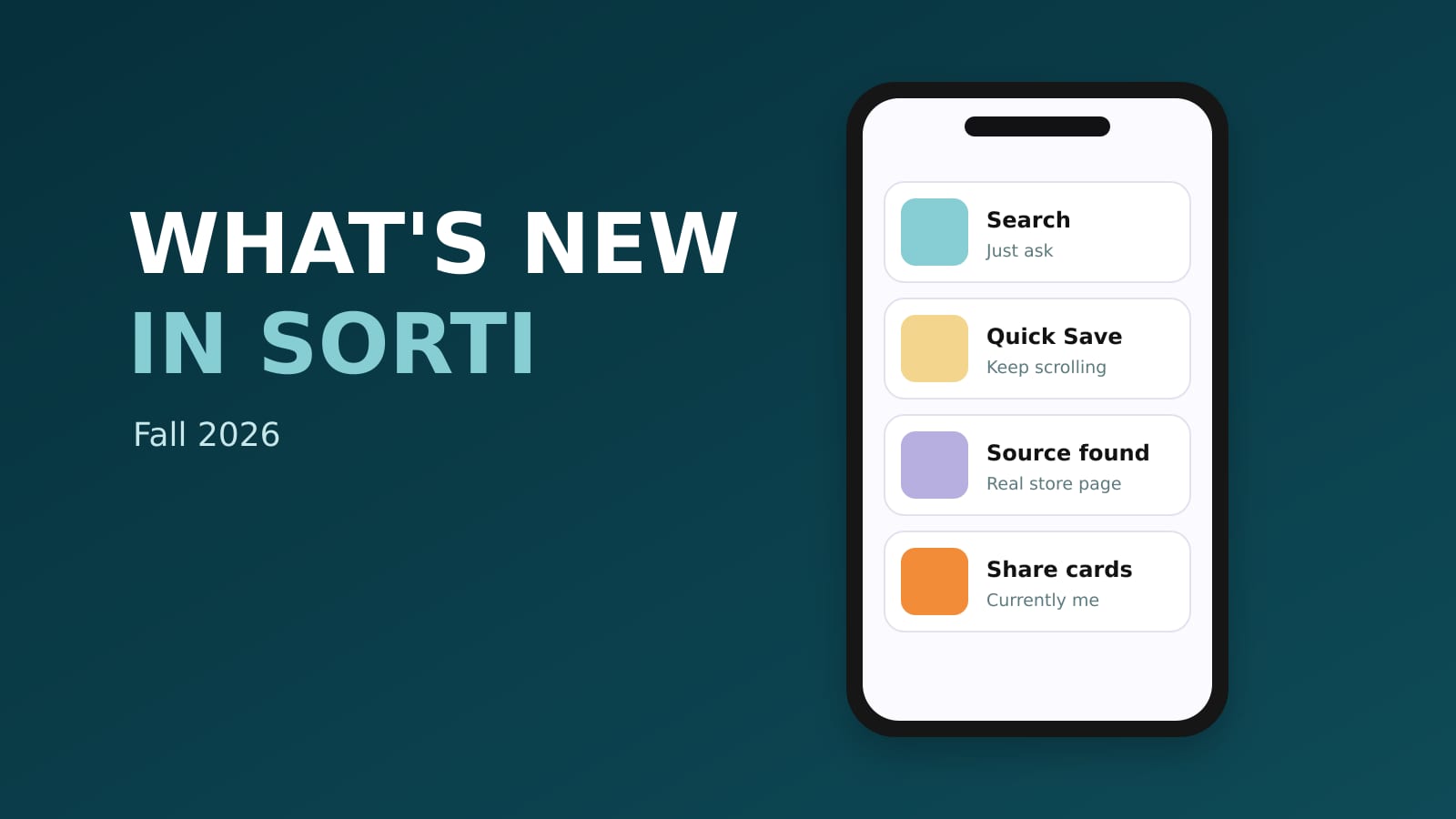
This fall Sorti got a new Search you can type or talk to, Quick Save for saving without opening the app, Siri and Spotlight on iPhone, better source finding for store screenshots, share cards and a monthly recap. Here is everything that is new, what it does and how to use it. Update Sorti from the App Store or Google Play to get all of it.
A new Search you can type or talk to
The Search tab is new. Type, or tap the mic and ask out loud: "the pasta place from TikTok", "shoes under $100", "from @handle last month". Sorti understands who posted something, when you saved it, what it cost and where it came from, in English and Hebrew.
Results come with actions, like Directions for a place, Buy or Compare prices for a product, and More like this. Try asking tiles give you ideas (eat, watch, buy, cook, go, plan), and Browse your saves chips take you straight to things like your last screenshot. Tap any #tag on a save to see everything with that tag.
Quick Save: share and keep scrolling
Tap Share in any app, pick Sorti, and you never leave the app you were in. Quick Save takes a link or a batch of images right from the share sheet, shows a preview with the site's own picture, and tells you when something is already in your Sorti. It is filed by the time you open the app.
Siri and Spotlight on iPhone
On iPhone, say "Hey Siri, search Sorti" and then what you remember, and Siri shows the item with buttons to open it or its link. Say "Save screenshot to Sorti" to add your latest screenshot without opening the app. And your saves now appear in Spotlight when you swipe down on the home screen. Full guide: how to use Siri and Spotlight with Sorti.
Find the original source, now for store screenshots too
Sorti AI Found shows where a screenshot came from: the original post, the product page in the real store, the article or the ticket page for an event flyer. New this fall: a screenshot of a store or Amazon product page now leads to that store's own listing, a browser screenshot leads to the page it shows, and when the creator put a product link in the caption, that link becomes the source. Tap the item image to open it.
The creator behind every save
When Sorti identifies the creator a save came from, the item now shows a Creator found chip. You can follow creators, see everything you saved from one person and open their public profile. Sorti never names a creator it has not verified.
Compare prices, Amazon first
On a saved product, tap Compare prices to see the same item across stores, Amazon first, with real store images. You also get visually similar items and, if you tap find nearby, stores near you that carry it. Tap Track Price on any product to get a notification when the price drops.
Similar books, music and movies
Save a book, a song, a show or a movie and Sorti adds similar picks with ratings and links to open them. One BookTok screenshot turns into a reading list.
Share a list, share a save
- Share a copy: send your restaurant list or gift ideas as a link. It opens as a web page anyone can see, and Save to Sorti gives them their own copy in a folder they choose. - Share one item as a page: send a single save as a link that opens without the app. You can stop sharing any time. - Collaborate: invite friends into a folder as Viewer or Editor. The invite screen now shows pending invites, and Sorti tells you who gains or loses access before you move a folder.
Share cards and a monthly recap
Make a postable card from what you really saved: Currently me, My current era, Saved to happened or Taste maker. Shuffle the photos, swap by category, crop and post. At the end of every month, Sorti makes a short recap of your month in saves, with an archetype and a card to share.
Sorti Progress
Your Sorti Score and badges reward saving, organizing and actually using what you save. Weekly Declutter is a quick keep-or-toss swipe through old saves, and Forgotten Gems bring back saves worth another look.
More platforms read for you
Sorti now reads Instagram Highlights, Threads posts and Facebook posts and reels, and files them like everything else.
Free up storage
Turn on Delete screenshots after organizing and Sorti removes the originals from your gallery once it has organized them in the background. You keep the information, your phone keeps the space.
Easier to use for everyone
Sorti supports screen readers, large text and reduced motion, and text across the app now has accessible contrast. The app is available in English and Hebrew. See accessibility at Sorti.
Frequently asked questions
How do I get the new Sorti features?
Update Sorti from the App Store or Google Play. Siri and Spotlight are iPhone only.
Can I search Sorti by voice?
Yes. Tap the mic in the Search tab on iPhone or Android and say what you are looking for. On iPhone you can also say "Hey Siri, search Sorti".
Can I save to Sorti without opening the app?
Yes. Share from any app and pick Sorti: Quick Save files it without opening Sorti. On iPhone you can also say "Save screenshot to Sorti".
Are the new features free?
Yes. Every Sorti feature is free on iPhone and Android, with no ads and no paid plan. See all features.
Download Sorti free on iOS or Android and try the new Search on the last thing you saved.