 ™
™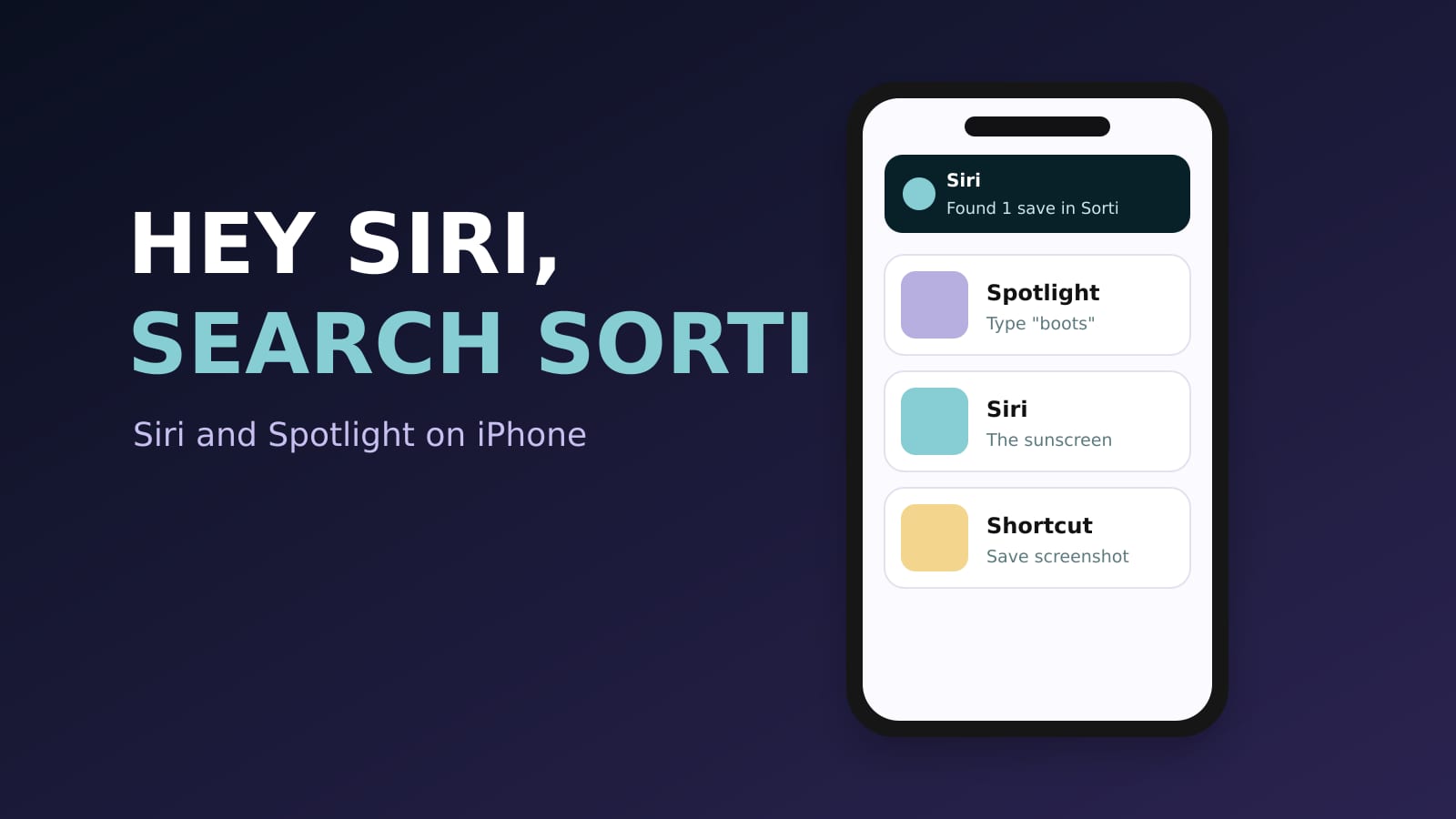
Sorti works with Siri and Spotlight on iPhone, so you can find a save or add a screenshot without opening the app. Say "Hey Siri, search Sorti" to find something you saved, say "Save screenshot to Sorti" to add your latest screenshot, or swipe down on your home screen and type to see your Sorti saves in Spotlight. All three are free and built into the Sorti app on iPhone.
Siri and Spotlight are Apple features, so everything in this guide works on iPhone only. On Android, the new Search tab lets you ask for a save by voice inside the app.
Search your saves with Siri
You are walking into the store and cannot remember which sunscreen you saved. Instead of opening the app and scrolling, ask Siri.
1. Say "Hey Siri, search Sorti". You can also say "Find something I saved in Sorti", "Pull up my Sorti" or "Check my Sorti". 2. Siri asks what you are looking for. Say what you remember: "the sunscreen", "the pasta place from TikTok", "boots under $150". 3. Siri answers and shows a card with the item. From the card you can tap Open in Sorti, Open link, Copy link or Show all.
You do not need the exact title. Sorti searches the way you remember things: who posted it, roughly when you saved it, what it cost, what kind of thing it is and where it came from. On iOS 18 and later, a store link opens straight in your browser, and on iOS 26 the card is interactive.
Siri search needs iOS 16 or later and the latest version of Sorti from the App Store.
What to ask Siri
- "Hey Siri, search Sorti" then "the lamp from the reel" - "Hey Siri, search Sorti" then "restaurants in Brooklyn" - "Hey Siri, search Sorti" then "the recipe from last week" - "Hey Siri, search Sorti" then "from @handle"
Save your latest screenshot with Siri
Hands full on the subway, you spot the perfect coat and take a screenshot. Then say:
"Save screenshot to Sorti"
Sorti adds your most recent screenshot without opening the app, and files it like any other save, with the brand, the price and the source it can find. You can also run the same action from the Shortcuts app, or put it on your Action button or Back Tap so one press saves the last screenshot.
Set it up as a Shortcut
1. Open the Shortcuts app on your iPhone. 2. Tap the plus button and search for Sorti. 3. Choose "Save screenshot to Sorti" and add it. 4. Optional: go to Settings, Accessibility, Touch, Back Tap, and pick the shortcut for Double Tap.
Now a double tap on the back of your phone sends your latest screenshot to Sorti.
Find your saves in Spotlight
Spotlight is the search you get when you swipe down on the iPhone home screen. Sorti adds your saves to it, so they show up next to your apps, messages and contacts.
1. Swipe down on your home screen. 2. Type a word you remember, like "boots", "ramen" or a creator's name. 3. Your Sorti saves appear in the results. Tap one to open it in Sorti.
Spotlight finds saves by title, creator, platform and store. It is the fastest way to get back to something when you remember one word of it.
Which one to use when
- You remember one word and your phone is in your hand: Spotlight. - Your hands are busy, or you want the link fast: "Hey Siri, search Sorti". - You just took a screenshot you want to keep: "Save screenshot to Sorti". - You want to browse, filter or see results on a map: the Search tab in the app.
Hands-free saving is also an accessibility feature
Saving and searching by voice is not just a shortcut. If typing or precise taps are hard for you, Siri lets you add and find saves without them. Sorti also supports VoiceOver, large text and reduced motion. See accessibility at Sorti for the full list.
Frequently asked questions
Can I search Sorti with Siri?
Yes, on iPhone. Say "Hey Siri, search Sorti", then say what you remember. Siri answers and shows a card with the item and buttons to open it or its link. It works on iOS 16 and later.
How do I save a screenshot to Sorti with Siri?
Say "Save screenshot to Sorti". Sorti adds your latest screenshot without opening the app. You can also run it from the Shortcuts app, the Action button or Back Tap.
Do Sorti saves show up in Spotlight?
Yes. Swipe down on the iPhone home screen and type; your Sorti saves appear in the results by title, creator, platform or store.
Does Siri search work on Android?
No. Siri and Spotlight are Apple features, so they are iPhone only. On Android, you can search your saves by voice in the Search tab inside Sorti.
Is Sorti free?
Yes. Every feature, including Siri and Spotlight support, is free, with no ads and no paid plan.
Download Sorti free on iPhone, then say "Hey Siri, search Sorti" and ask for the last thing you saved.