 ™
™
Travel ideas pile up in everyone's saves. A hidden beach in a reel, a hotel a creator stayed at, a street food tour, a viewpoint everyone posts at sunset. Then the trip gets booked, and planning starts from zero, because finding those saves again takes longer than searching from scratch.
This guide shows how to plan a trip from what you have already saved.
Step 1: Gather your travel saves in one place
Share travel posts, videos, links and screenshots to Sorti. Sorti reads each save with AI, recognizes the place and files it under Travel. It keeps the original post, so you can rewatch the video that made you want to go.
If you have been saving for years, this is the moment to bring the old saves over too. Many of them will be for the city you are about to visit.
Step 2: Pull out everything for this destination
Search for the city or country. Sorti's search works on meaning, so "Lisbon" also brings up the tram video and the pastry shop screenshot, even if the caption never said the city's name.
Step 3: Sort it into the parts of the trip
Group what you find into:
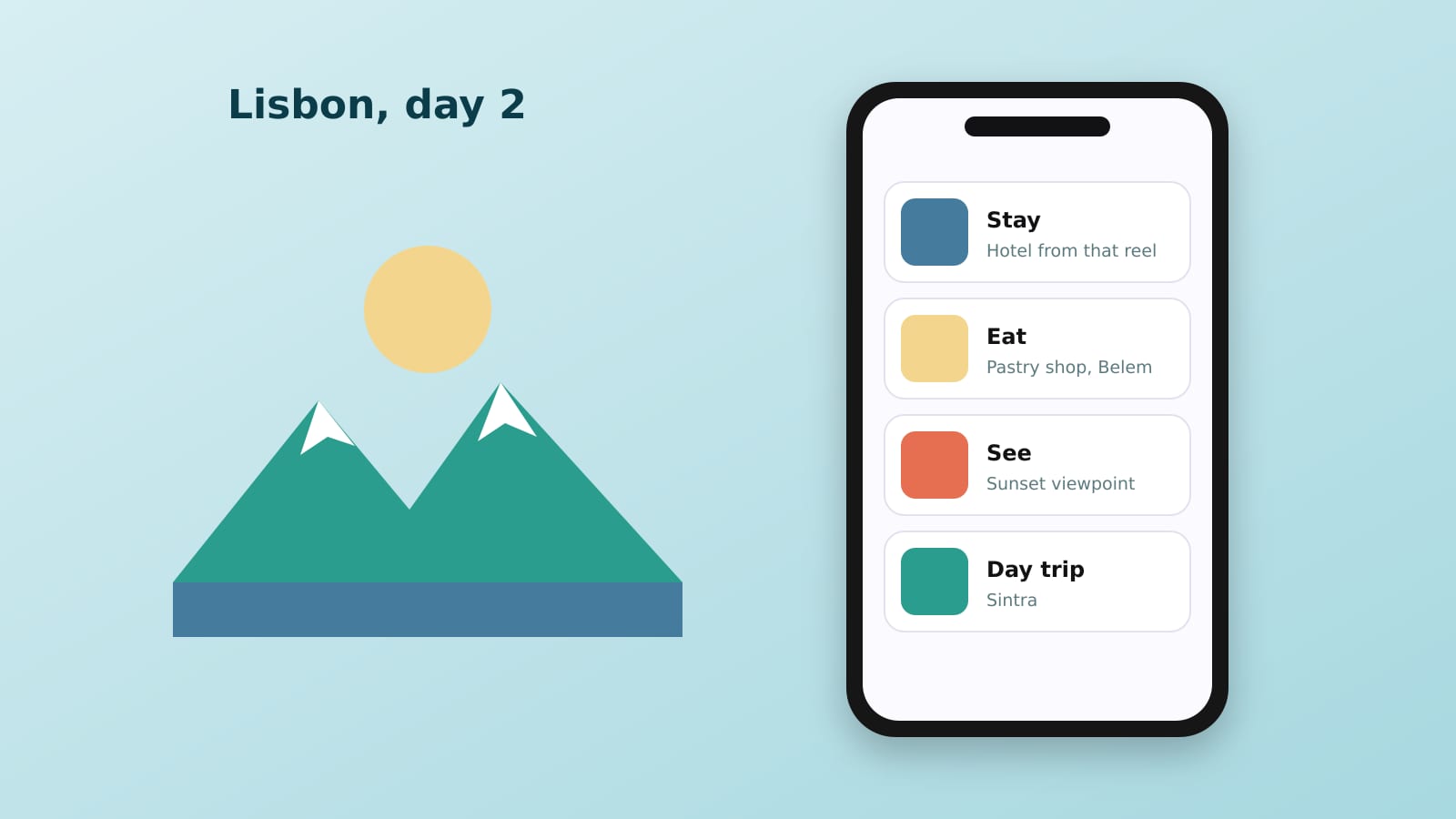
- Where to stay. - Where to eat. - What to see and do. - Day trips.
Sorti sorts saves into categories and sub-categories on its own, so most of this is done before you start.
Step 4: Use the map to build your days
Sorti keeps saved places on a map. Seeing everything at once shows which places are close together, so you can plan each day by neighborhood instead of crossing the city three times.
Step 5: Plan it with the people you are traveling with
Put the trip in a shared folder and let everyone add what they found. One list, everyone's ideas, no screenshots lost in the group chat.
Step 6: Use the map on the ground
When you are there, open your saves on the map and tap a pin, so the bakery you saved six months ago is easy to find when you are in the neighborhood.
Step 7: Watch prices on what you need to buy
If the trip needs gear, like a carry-on, a jacket or a camera, save the product links. Sorti tracks the prices and notifies you when they drop.
Frequently asked questions
How do I save travel ideas from Instagram and TikTok?
Share the post or video to Sorti. It recognizes the place, files it under Travel and shows it on a map.
How do I plan a trip with friends using saved posts?
Put everyone's saves in one shared Sorti folder, then use the map to plan days by neighborhood.
Can I find a travel video if I do not remember the caption?
Yes. Sorti's search works on meaning, so you can describe what you remember, like "the cliffside restaurant in Italy."
Is Sorti a travel planning app?
Sorti organizes everything you save, and travel is one of its main categories. It keeps places on a map, supports shared folders and gives saved places one-tap Directions. It is free on iOS and Android.
Download Sorti free on iOS or Android and plan your next trip from what you already saved.