 ™
™
There are two ways to organize Instagram saved posts. The first is built into Instagram: Collections, private groups of saved posts that only you can see. The second is to keep your saves outside Instagram, in an app that files them for you. This guide covers both, honestly, so you can pick the one that fits how much you save.
Option 1: Instagram Collections (built in, manual)
Instagram added Collections to the Saved tab in April 2017, on both iPhone and Android, and announced them on its own blog ("Introducing New Ways to Organize Your Saved Posts", about.instagram.com). Collections are private: only you can see them.
Save a post straight into a collection
1. Under the post, press and hold the bookmark icon instead of tapping it. 2. Pick an existing collection, or create a new one and give it a name.
Build a collection from posts you already saved
1. Go to your profile, open the menu and tap Saved. 2. Tap the plus icon in the top right corner. 3. Name the collection, then choose the saved posts to move into it.
A post you add to a collection still shows under All posts, so nothing gets lost if you remove it from a collection later. Menu labels move around between app versions; if a step does not match your screen, check the Instagram Help Center.
Where Collections work well
If you save a few posts a week and you enjoy filing, Collections are enough. They are free, private and already on your phone.
Where Collections stop working
Collections depend on you filing every save by hand, at the moment you save it. Most people do not, so the All posts feed keeps growing. At a few hundred saves the same problems show up for almost everyone:
- **No search by what you remember.** You cannot search your saved posts for "the pasta place" or "the boots under $150". You scroll. - **Instagram only.** Your TikToks, screenshots and links from Safari or Chrome live somewhere else, so you search three places. - **No context.** A saved reel does not tell you the address of the restaurant, the price of the jacket or where the recipe is written down. - **Gone when the post is gone.** If the creator deletes or archives a post, it disappears from your saves too.
Option 2: Keep your saves outside Instagram, organized for you
This is what we built Sorti for. Sorti is a free app for iPhone and Android that organizes everything you save with AI.
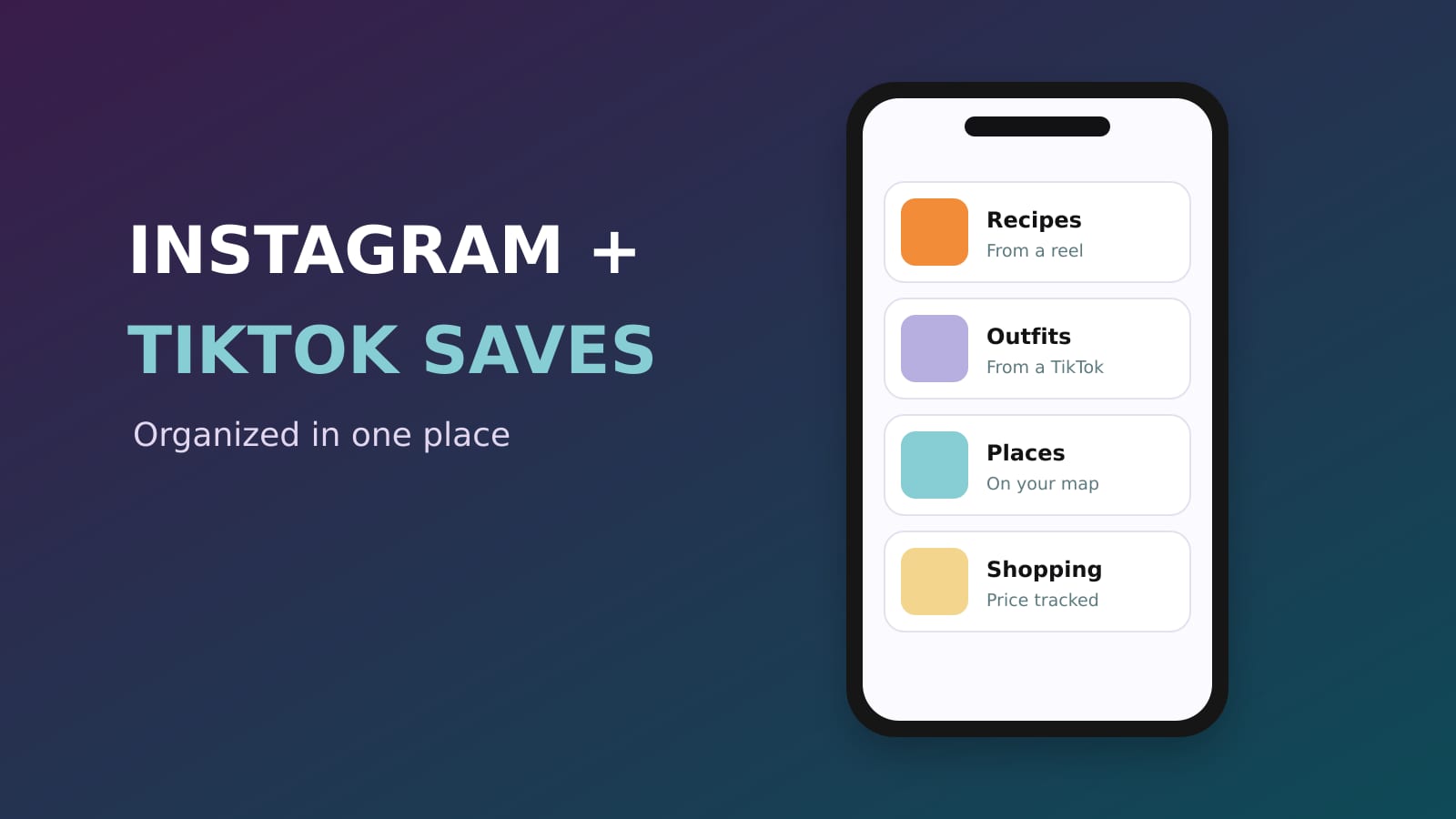
1. **Share instead of tapping Save.** On a post or reel, tap the share button (the paper airplane) and pick Sorti. Quick Save files it without opening the app, so you stay in your feed. 2. **Let it file itself.** Sorti reads the post and its caption and puts it in the right category, like Recipes, Outfits, Places or Shopping, then builds sub-categories as a topic grows. Anything it is unsure about waits for you instead of landing in the wrong place. 3. **Bring TikTok and screenshots along.** Share TikToks the same way, and turn on Auto-Organize Screenshots so new screenshots are filed in the background. For a screenshot with no link, Sorti looks for where it came from: the original post, the store page or the article. 4. **Search by what you remember.** Type or say "the pasta place from Instagram", "the dress from @handle" or "saved last month". On iPhone you can also say "Hey Siri, search Sorti". 5. **Move old saves a few at a time.** Open Saved on Instagram and share the ones you still care about to Sorti. Ten a day is plenty, and most people find half their old saves are not worth keeping.
Which one should you use?
- **You save a handful of posts a week, all on Instagram:** Instagram Collections. - **You save a lot, from Instagram, TikTok and screenshots, and want to find things later without scrolling:** an organizer app such as Sorti.
You can also use both. Collections stay inside Instagram, and nothing stops you from sharing the posts that matter to Sorti.
Frequently asked questions
How do I organize my Instagram saved posts into folders?
Instagram calls them Collections. Press and hold the bookmark icon under a post to save it into a collection, or open Saved on your profile and tap the plus icon to build one from posts you already saved.
Can other people see my Instagram saved posts?
No. Instagram says saved posts and Collections are private and only you can see them.
Can I search my Instagram saved posts?
Not by what is in them. Inside Instagram you scroll your Saved feed or a collection. To search saves by topic, creator, price or date, share them to an app like Sorti and use its search.
What is the best app to organize Instagram saved posts?
If you want them filed automatically and searchable together with TikToks and screenshots, Sorti does that for free on iPhone and Android. If you only save on Instagram and like filing by hand, Instagram's own Collections are enough.
Is Sorti free?
Yes. Sorti is free on the App Store and Google Play, with no ads.
Download Sorti free on iOS or Android, share your last five Instagram saves to it, and see where they land.