 ™
™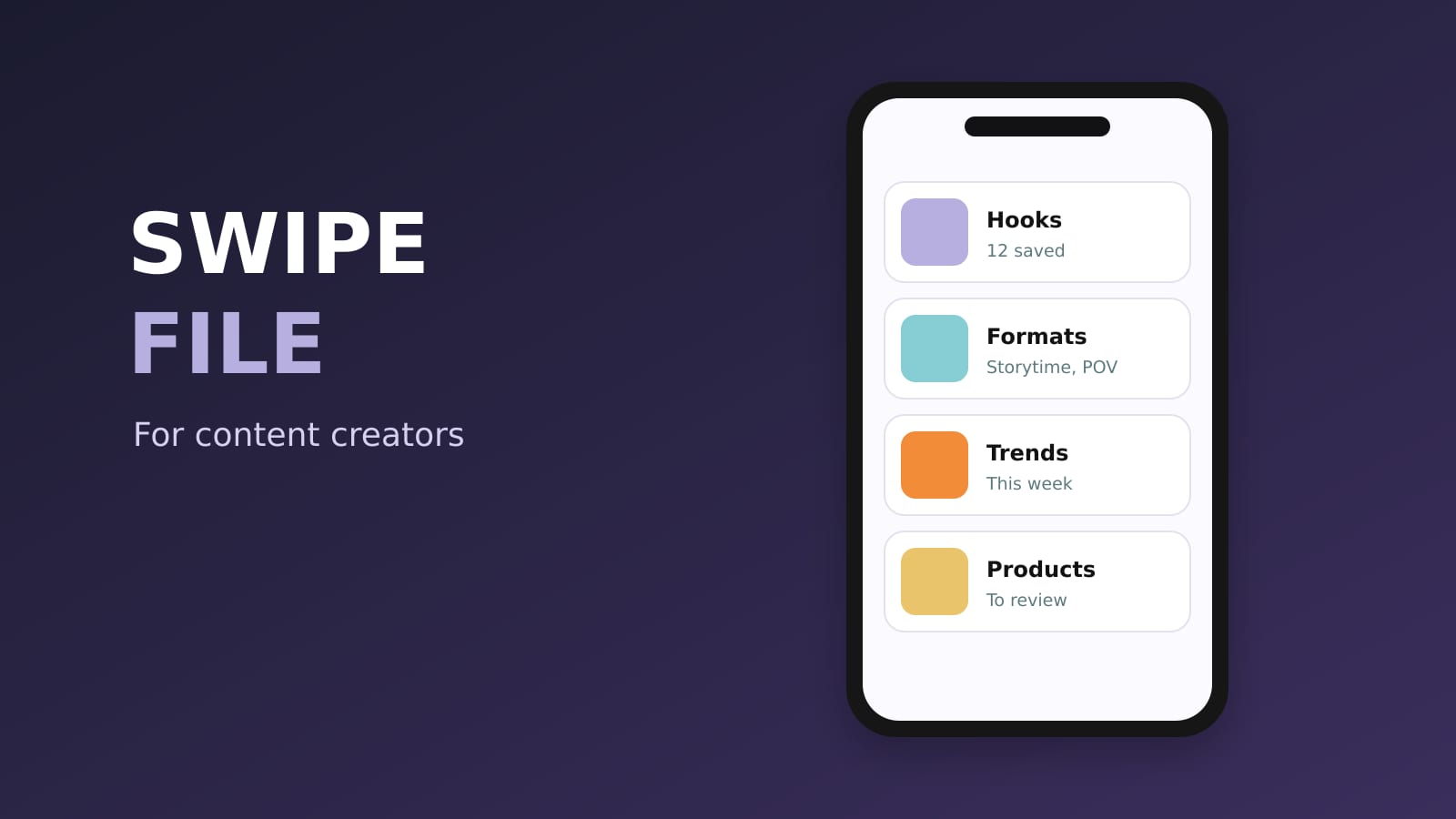
A swipe file is a collection of content you might borrow from later: hooks that stopped you, formats that worked, sounds, outfits, product shots and comments you want to answer. Every creator already has one. It is just scattered across Instagram saves, TikTok favorites, screenshots and notes. This guide shows how to turn it into one searchable library and use it to plan your next month of content, starting with the holiday season.
What belongs in a swipe file
- Hooks: the first line or title card that made you stop scrolling. - Formats: a storytime structure, a "rating things" video, a split-screen, a day-in-the-life. - Trends and sounds: anything you might jump on this week. - Visual references: lighting, outfits, sets, color grades. - Products: things you might review, link or use as a prop. - Comments and questions: what your audience keeps asking, which is your next video. - Brand examples: sponsored posts you thought were done well.
Step 1: Save everything to one place
When something catches your eye, share it to Sorti from the share sheet, or screenshot it. Sorti reads each save with AI and files it into the right category automatically, and it keeps the original post, so you can always go back to the creator, the sound and the caption.
Step 2: Let it sort by type
You do not need folders named "hooks" and "formats" to start. Sorti groups saves into categories and sub-categories on its own. When you need something, search by description: "the hook about quitting my job," "the outfit video with the mirror transitions."
Step 3: Plan from the file once a week
Pick one hour a week. Open your swipe file, choose five saves and write down how you would make your version. A good swipe file turns "what should I post?" into "which of these should I post first?"
A holiday swipe file to start with
The last quarter of the year is the busiest season for most creators. Save examples for each of these now:
- Halloween (Saturday, October 31, 2026): costume reveals, storytimes, makeup tutorials. See our list of Halloween costume ideas for 2026. - Thanksgiving (Thursday, November 26): recipes, outfits, hosting tips. See Thanksgiving outfit ideas. - Black Friday and Cyber Monday (November 27 and 30): hauls, wishlists, "is this deal real?" videos. - Gift guides: by person, by budget, by vibe. See Christmas gift ideas by person. - Party season: outfits, getting-ready videos, New Year's Eve looks. See holiday party and New Year's Eve outfits. - New year: goals, resets, organizing content.
Share your picks with your audience
The things you save are often the things your audience wants. Sorti lets you share curated collections, so a gift guide or a "things I actually use" list can live in one link instead of a dozen stories.
Frequently asked questions
What is a swipe file for content creators?
A collection of hooks, formats, trends, visuals and products you might use as a reference for your own content.
How do I organize saved TikToks and Instagram posts for content ideas?
Save them to Sorti. It files them automatically, keeps the original posts and lets you search by description. It is free on iOS and Android.
How often should I go through my swipe file?
Once a week is enough. Pick five saves and plan your version of each.
What should creators post in Q4?
Halloween, Thanksgiving, Black Friday and Cyber Monday, gift guides, party outfits and new year content. Save examples for each now so you are not starting from zero.
Download Sorti free on iOS or Android and turn your saves into your next month of content.