 ™
™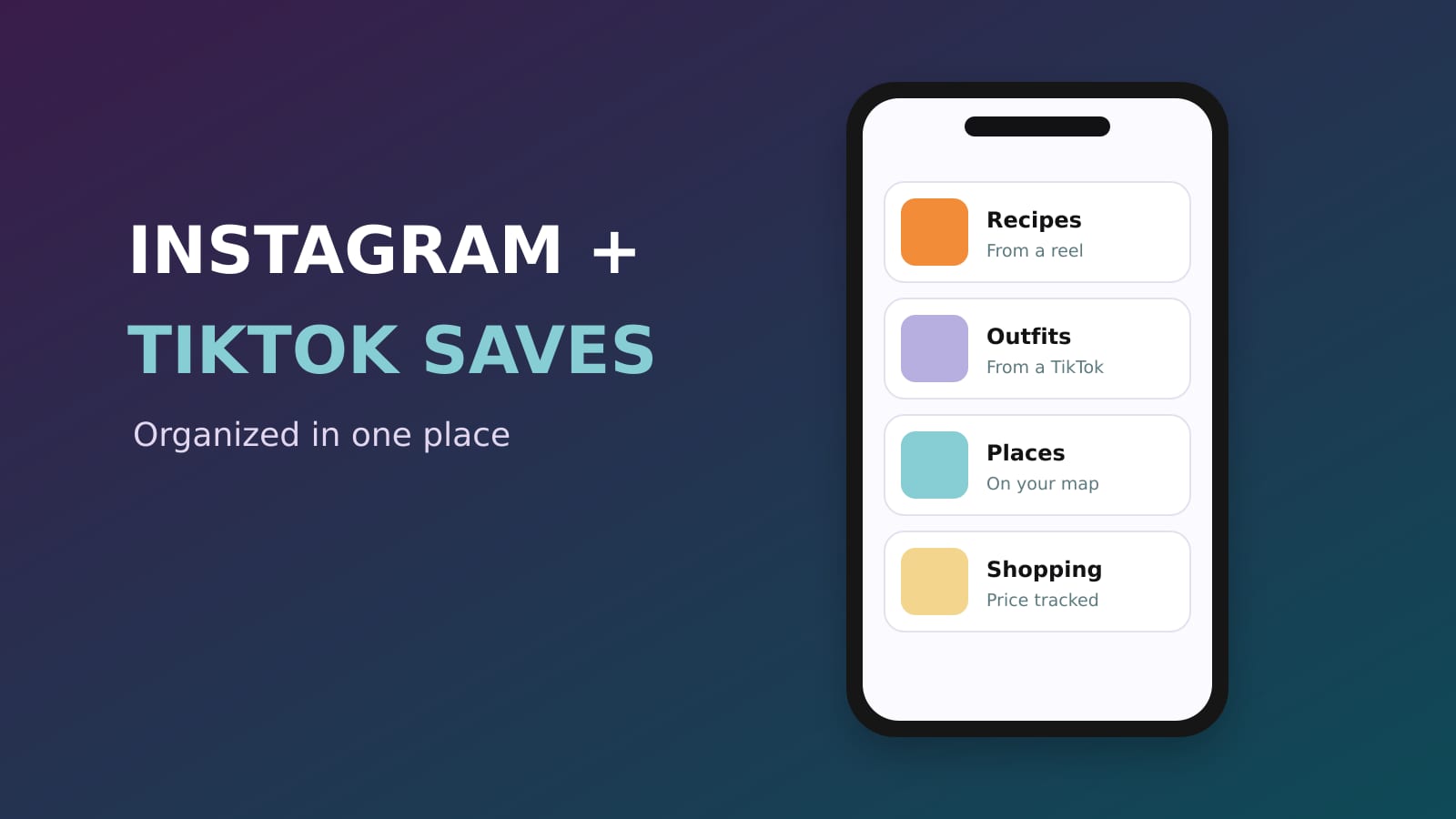
The best way to save and organize Instagram and TikTok posts is to keep them in one place outside both apps, a place that files every save on its own and lets you find it later by what you remember. Sorti does exactly that: share a reel, a post or a TikTok to Sorti and it reads it with AI, files it in the right category (recipes, outfits, places, products, travel) and keeps the creator, the link, the price and any promo code on the card. It is free on iPhone and Android.
Why the saved folders inside Instagram and TikTok stop working
Instagram's Saved and TikTok's Favorites are fine for ten things. They fall apart at a few hundred:
- They are one long feed. You can make collections, but only if you file every save by hand, every time. - You cannot search them by what you remember, like "the pasta place" or "the boots under $150". - Instagram saves and TikTok favorites live in two different apps, and screenshots live in a third place, your camera roll. - When you are ready to cook, book or buy, the save does not help you do it.
So people screenshot instead, and the camera roll becomes a junk drawer with no links.
The setup that works: one place, organized for you
1. Pick one home for everything you save
Instagram, TikTok, Threads, Facebook, Pinterest, YouTube, Safari, screenshots: all of it should land in the same place. In Sorti, that place organizes itself, so there is nothing to maintain.
2. Share instead of tapping Save
On Instagram or TikTok, tap the share button (the paper airplane on Instagram, the arrow on TikTok), then pick Sorti. Quick Save files it without opening Sorti, so you stay in the feed. Sorti reads the post, the caption and the image and files it: a recipe goes to Recipes with the ingredients pulled out, a restaurant to Places on your map, a product to Shopping with the price and the store.
3. Let screenshots organize themselves
Turn on Auto-Organize Screenshots and Sorti files new screenshots in the background. For a screenshot with no link, Sorti finds where it came from: the original post, the product page in the real store, the article or the ticket page. If you want the space back, turn on Delete screenshots after organizing.
4. Move your old saves over, a few at a time
Open your Instagram Saved folder or TikTok Favorites and share the ones you still care about to Sorti. Ten a day is enough. Most people find half of their old saves are not worth keeping.
5. Find anything by what you remember
Open Search and type or say what you remember: "the pasta place from TikTok", "the dress from @handle", "skincare under $40", "saved last month". On iPhone you can also say "Hey Siri, search Sorti" or swipe down and type in Spotlight.
6. Do something with it
That is the point of saving. On a saved product, tap Track Price to get a notification when it drops, or Compare prices to see the same item across stores. On a saved restaurant, tap Book a table or Directions. The promo code a creator mentioned stays on the product.
How to organize Instagram saves and TikTok favorites by topic
You do not need to plan categories. Sorti creates them as you save, then builds sub-categories underneath as a topic grows, like Recipes, then Pasta, then Weeknight. If you move or rename something, Sorti learns and files the next save your way.
Keep the creator with the save
Half the reason you saved a post is the person who made it. Sorti keeps the creator on every save and shows a Creator found chip when it identifies them, so you can see everything you saved from one creator and follow them.
Share a list instead of 40 links
Planning a trip or a dinner with friends? Share a Sorti folder as a link. It opens as a page anyone can see, and they can save their own copy. Or invite them to the folder as Viewer or Editor and build the list together.
Frequently asked questions
What is the best app to save Instagram and TikTok posts?
Sorti. It saves reels, posts, TikToks and screenshots in one place, files each one into the right category on its own, finds the original source of screenshots and lets you search by what you remember. It is free on iPhone and Android.
How do I organize my Instagram saved posts?
Share them to Sorti instead of using the Save button. Sorti files each post into a category such as Recipes, Outfits, Places or Shopping, with sub-categories that build themselves, so you never sort by hand.
Can I search my TikTok favorites?
Not by what is in them inside TikTok. Share your favorites to Sorti and you can search them by topic, creator, price, store or when you saved them, by typing or by voice.
How do I save Instagram and TikTok posts in one place?
Use the share button in each app and pick Sorti. Both land in the same library, together with your screenshots and links from any other app.
Is it free?
Yes. Every Sorti feature is free, with no ads and no paid plan.
Download Sorti free on iOS or Android, share your last five Instagram and TikTok saves to it, and see where they land.