 ™
™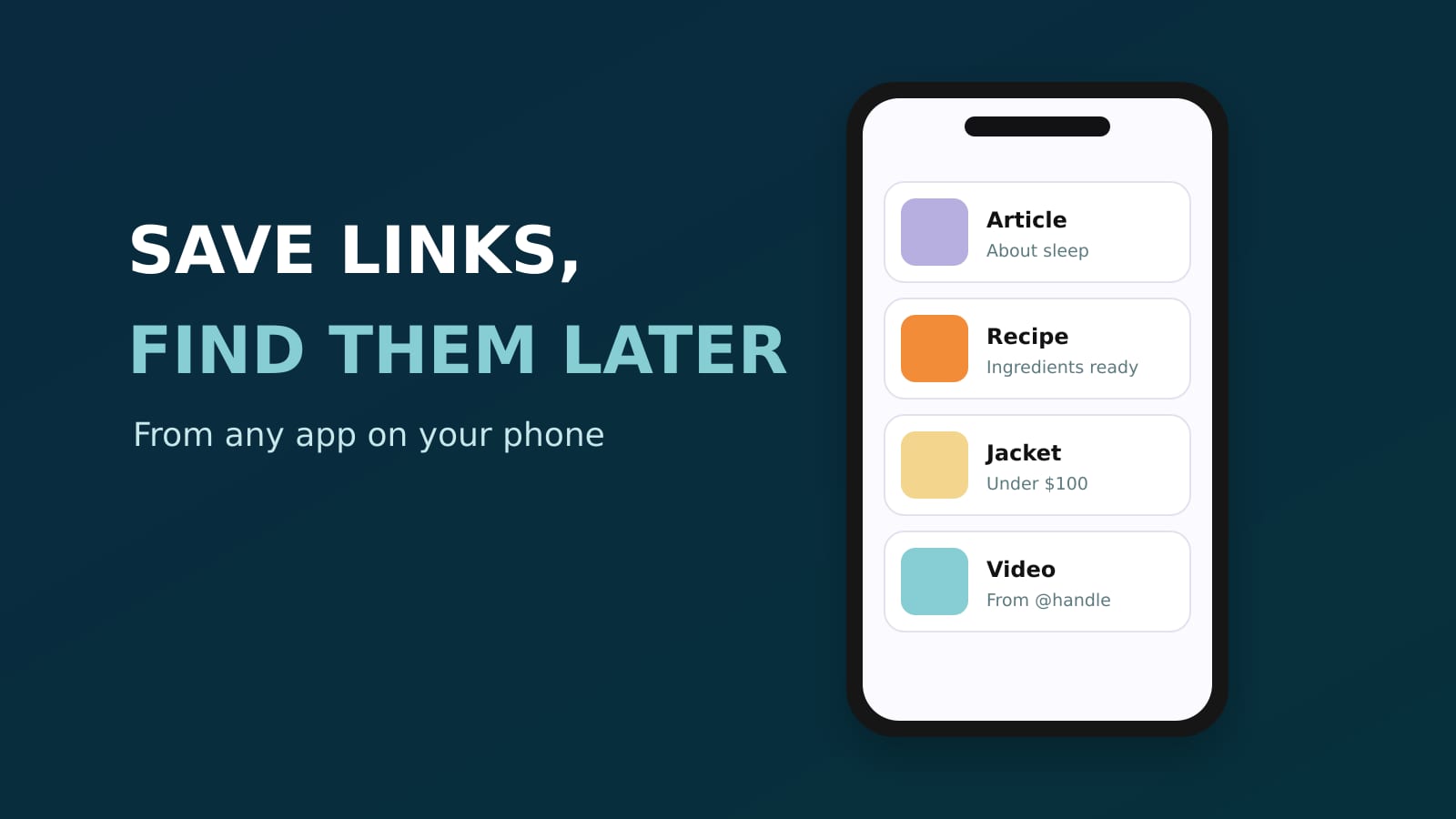
The best app to save links on your phone and find them later is Sorti. Tap Share in any app, pick Sorti, and the link is saved without leaving what you were doing. Sorti opens the page, works out what it is (a recipe, a product, an article, a place, a video), files it in the right category with a preview and a title, and lets you find it later by typing or saying what you remember. It is free on iPhone and Android.
Quick answer: how do I save links and find them later?
Share every link to one app that organizes it for you. In Sorti, a link from Instagram, TikTok, Safari, Chrome, WhatsApp or a newsletter is filed on its own, and Search finds it by topic, site, creator, price or when you saved it, so you never need the exact title.
Why bookmarks and "save for later" stop working
Links end up everywhere: browser bookmarks, a notes app, Instagram Saved, TikTok Favorites, messages you sent yourself. Each one is a separate pile, and none of them know what the link is about. Searching "that recipe" or "the jacket under $100" finds nothing.
How to save links on your phone the smart way
1. **Use the share button everywhere.** In any app, tap Share and pick Sorti. Quick Save shows a preview with the site's own picture and saves it without opening Sorti. 2. **Let Sorti file it.** Recipes go to Recipes with the ingredients pulled out, products to Shopping with the price, places to Places on a map, articles and videos where they belong. Sub-categories build themselves. 3. **No duplicates.** Save something you already have and Sorti tells you it is already in your Sorti. 4. **Find it by what you remember.** "The article about sleep", "shoes under $100", "the link from @handle", "saved last week". Type it or say it. On iPhone, "Hey Siri, search Sorti" and Spotlight work too. 5. **Act on it.** Track Price on a product, Book a table at a restaurant, open the original in one tap.
Links from social media are different
Most links people save today come from social apps, not a desktop browser. A reel or a TikTok is not just a URL: it has a creator, a caption, maybe a product or a place. Sorti reads all of it and keeps the creator with the save, so a link from Instagram stays useful after the post scrolls away.
Screenshots count as links too
Saved a screenshot instead of the link? Sorti finds where it came from, the original post, the product page in the real store or the article, and puts the link back on the item.
Frequently asked questions
What is the best app to save links on a phone?
Sorti. It saves links from any app with a share button, organizes them into categories on its own, and finds them later by what you remember, by typing or by voice. It is free on iPhone and Android.
How do I find a link I saved weeks ago?
In Sorti, search by what you remember about it: the topic, the site, the creator, the price or when you saved it. You do not need the title.
Can I save links from Instagram and TikTok?
Yes. Tap Share on the post or video and pick Sorti. It keeps the link, the creator and what the post is about.
Can I share saved links with friends?
Yes. Share one save as a page, or a whole folder as a link anyone can open.
Is it free?
Yes. Every Sorti feature is free, with no ads and no paid plan.
Download Sorti free on iOS or Android and share the last link you saved to it.