 ™
™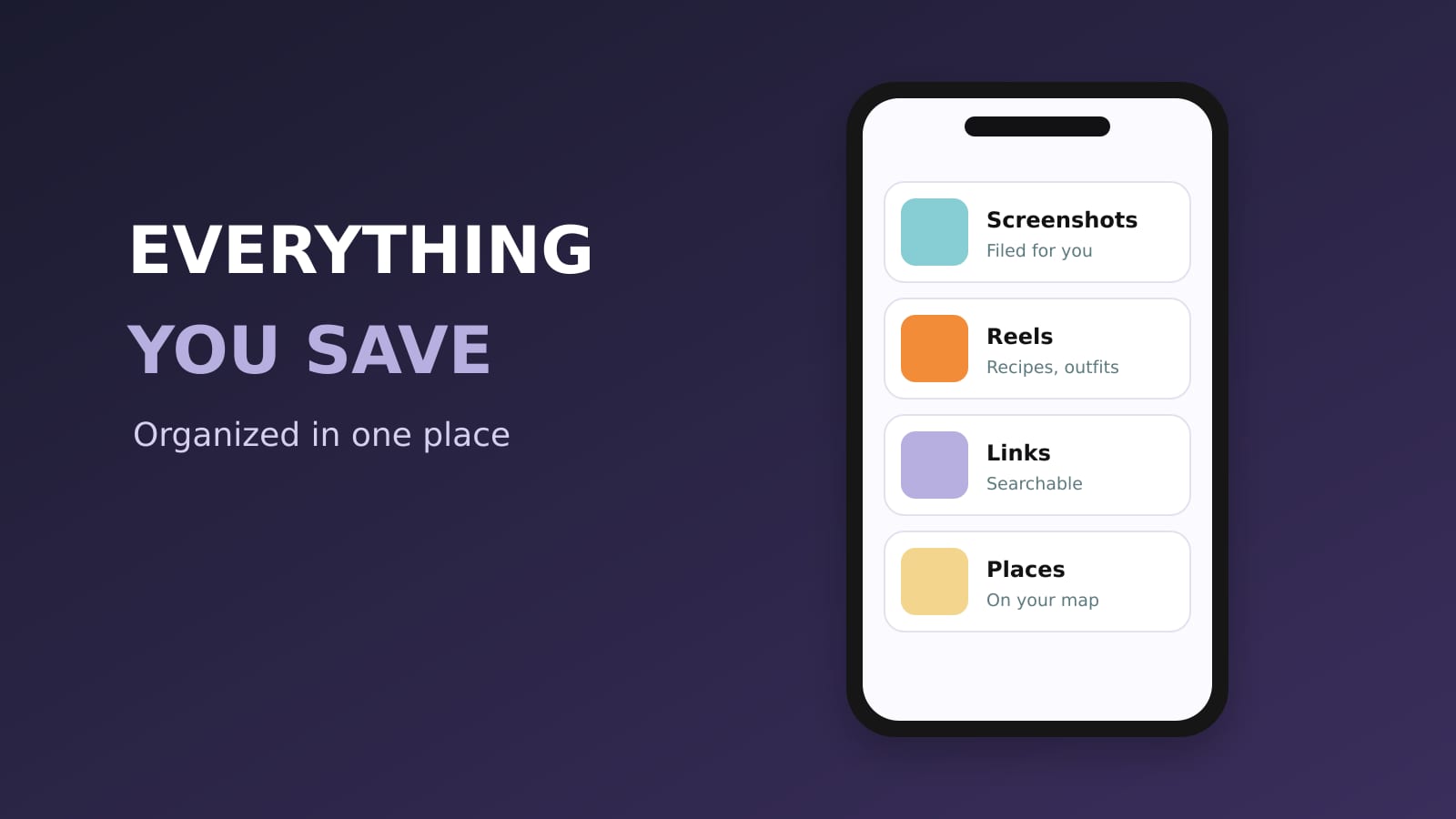
The best app to organize everything you save on your phone is Sorti. Screenshots, Instagram and TikTok saves, links, recipes, products, outfits and places all go to one place, and Sorti files each one in the right category on its own, with sub-categories that build themselves. It finds the original source of a screenshot, keeps the creator, the price and the promo code, and lets you search by what you remember. It is free on iPhone and Android.
Quick answer: how do I organize everything I save on my phone?
Send everything to one app that organizes it for you. With Sorti, you share from any app or let it organize new screenshots in the background, and every save is filed automatically: recipes in Recipes, products in Shopping, places on a map. Nothing to set up, no folders to build.
What "everything you save" actually means
For most people it is five piles that never meet:
- Screenshots in the camera roll - Instagram Saved and TikTok Favorites - Links in bookmarks and notes - Things you sent yourself in messages - Photos of menus, flyers and labels
Sorti puts all five in one library and organizes it the same way.
How Sorti organizes it
1. **It reads every save.** AI reads the picture, the text, the caption and the link, and fills a card: title, tags, brand, price, promo code, location, creator and the text inside. 2. **It files it.** Into categories and sub-categories that build themselves as you save more. A screenshot with several items can be split into separate saves. 3. **It learns from you.** Move or rename something and the next similar save goes where you would put it. 4. **It cleans up.** Optimize my library suggests a better organization, you approve each change, and you can undo it for 24 hours. Weekly Declutter is a quick keep-or-toss swipe. 5. **It frees up space.** Turn on Delete screenshots after organizing and the originals leave your gallery once they are organized.
Find anything by what you remember
Type or say "the pasta place from TikTok", "skincare under $40", "from @handle last month". Sorti understands creator, date, price, type, platform and store, in English and Hebrew. On iPhone, "Hey Siri, search Sorti" and Spotlight find your saves without opening the app.
Use what you saved
- A product: Track Price, Compare prices across stores, and the promo code you saw. - A restaurant: Book a table, Directions, Order delivery. - A screenshot with no link: the original post or store page, found for you. - A list for friends: share a folder as a link or invite them as Viewer or Editor.
Private and accessible
Lock any category with Face ID, Touch ID, fingerprint or device PIN. Deleted saves wait 30 days in the Recycle Bin. Sorti supports screen readers, large text and reduced motion. See accessibility at Sorti.
Frequently asked questions
What is the best app to organize everything I save on my phone?
Sorti. It organizes screenshots, Instagram and TikTok saves, links, recipes, products and places in one place, automatically, and lets you search by what you remember. It is free on iPhone and Android.
Is there an app that organizes screenshots automatically?
Yes. Sorti organizes new screenshots in the background and files each one into the right category, and it can find the original source of a screenshot with no link.
Do I have to create folders?
No. Sorti creates categories and sub-categories on its own and learns from any changes you make.
Is it free?
Yes. Every Sorti feature is free, with no ads and no paid plan. See all features.
Download Sorti free on iOS or Android and send it the last five things you saved.