 ™
How do I find where an outfit from Instagram or TikTok is from?
Share the post or a screenshot to Sorti. When there is no link, Sorti looks for the product page in the real store and shows it on the item, along with the creator who posted it.
Outfits and shop the look
The coat on the girl crossing Prince Street, the jeans from a reel with no link, the dress you screenshotted for Saturday. Save it to Sorti and it looks for where each piece is sold, lets you split a full look into separate items, and tells you when a price you track drops. Free on iPhone and Android.


Outfit inspo is the easiest thing to save and the hardest to act on. The reel has no link. The creator answered "link?" in a comment you will never find. The screenshot shows a whole look, and you only wanted the boots.
So the screenshots pile up. By the time the weekend comes, the dress is buried under three thousand other photos, and the one you remember is sold out in your size.
Sorti treats a saved outfit as something you might buy. It looks for the store page behind each piece, keeps the creator and any promo code you saw, and lets you track the price, so the look you saved in March is still useful in July.
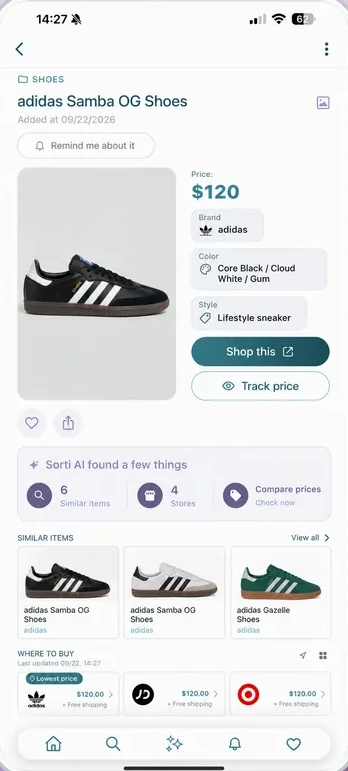
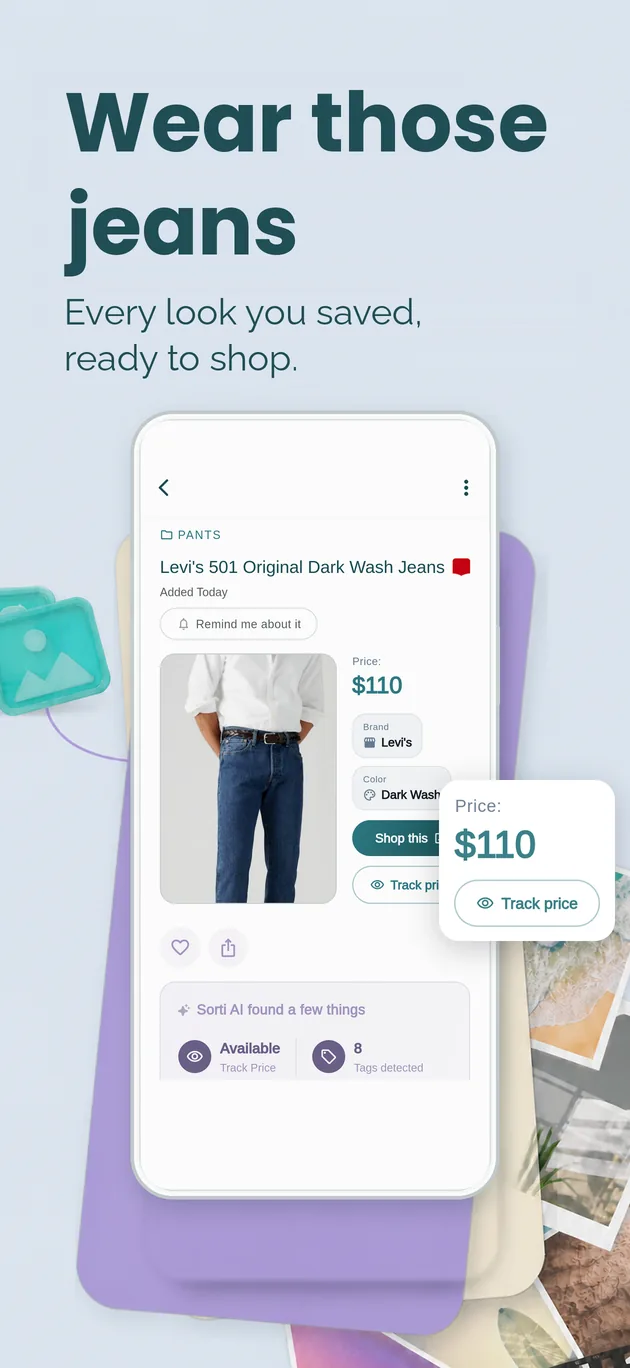
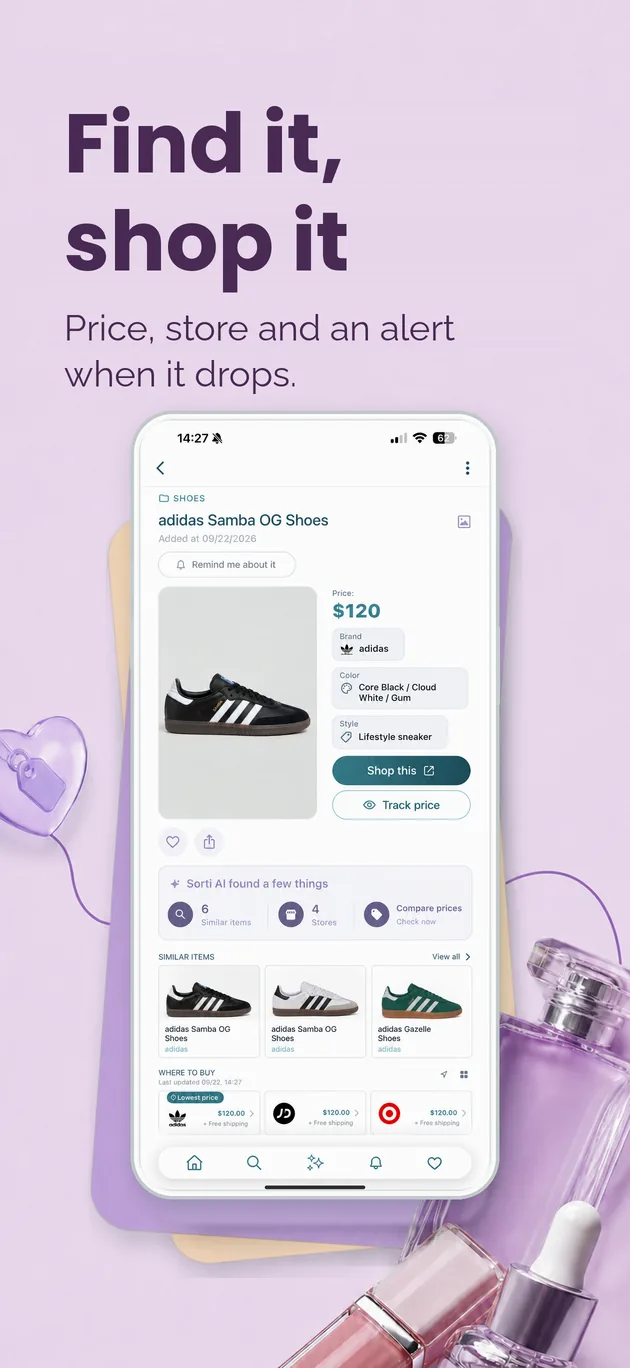
Real screens from the app: a saved pair of jeans with the store, the price and Track Price, and a saved pair of sneakers ready to shop.
A screenshot of a full outfit shows a quiet "can be split" banner. Tap it and the coat, the bag and the shoes each become their own item.
No link in the reel? Sorti AI Found looks for the product page in the real store and shows it on the item. Tap the picture to open it.
Tap Compare prices on a saved piece to see the same item across stores, Amazon first, with the best deal at the top.
Tap Track Price on anything you are not ready to buy, and Sorti sends a notification when the price goes down.
Sorti keeps the account that wore it and the promo code from the caption or the screen, so both are there at checkout.
Type "red dress", "the camel coat from @handle" or "boots under $150" and skip the other three thousand screenshots.
Share the reel, the TikTok or the pin to Sorti, or just take a screenshot with Auto-Organize Screenshots on.
If the screenshot has several products, tap "can be split" and each piece becomes its own item.
Sorti shows the store it found for each piece. Compare prices before you check out.
Not today? Tap Track Price and get a notification when it is cheaper.
Four questions from a Sorti carousel this fall, worth asking before anything leaves the cart.
If it fits the person you plan to become rather than the one who got dressed this morning, it tends to hang there with the tag on.
Not two. Three, that you already own and already wear.
Ask what you would pay at full price. If the answer is nothing, that is the answer. If the answer is "less", tap Track Price and wait.
The cart at eleven at night belongs to a different person from the one who opens the box. Save it and look again in the morning.
A New York dress code from another of our carousels: great denim, one really good jacket, shoes you can walk 20 blocks in, a simple bag, sunglasses even in October and the same gold hoops every day.
Share the post or a screenshot to Sorti. When there is no link, Sorti looks for the product page in the real store and shows it on the item, along with the creator who posted it.
Save the screenshot to Sorti and tap the "can be split" banner on the item. Each product becomes its own save, so you can find, compare and track every piece separately.
Yes. Tap Track Price on the item and Sorti sends a notification when the price drops. You choose which items to track.
Yes. Tap Compare prices to see the same item across stores, Amazon first, with the best deal at the top.
Yes. Share the pin to Sorti and it is filed with the outfits you saved from Instagram, TikTok and your camera roll.
Yes. Sorti is free on iPhone and Android.
Free on iPhone and Android. Save the next outfit you love and let Sorti look for where each piece is sold.